Skip links

Full Service Restaurant POS

Manage rooms, tables, seats, tabs, kitchen details, tips, and checkout without breaking the flow of your restaurant service.

Floor Design

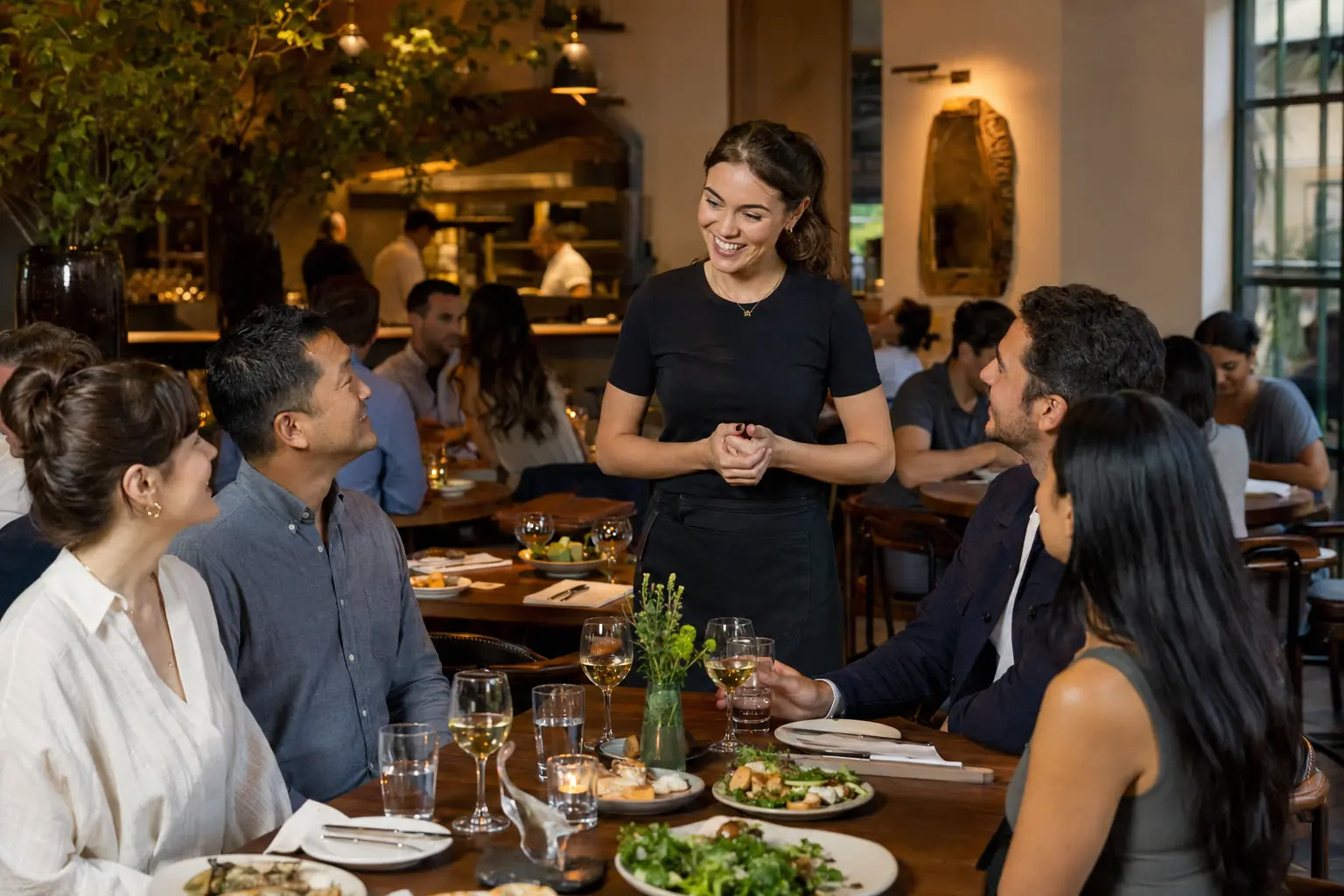
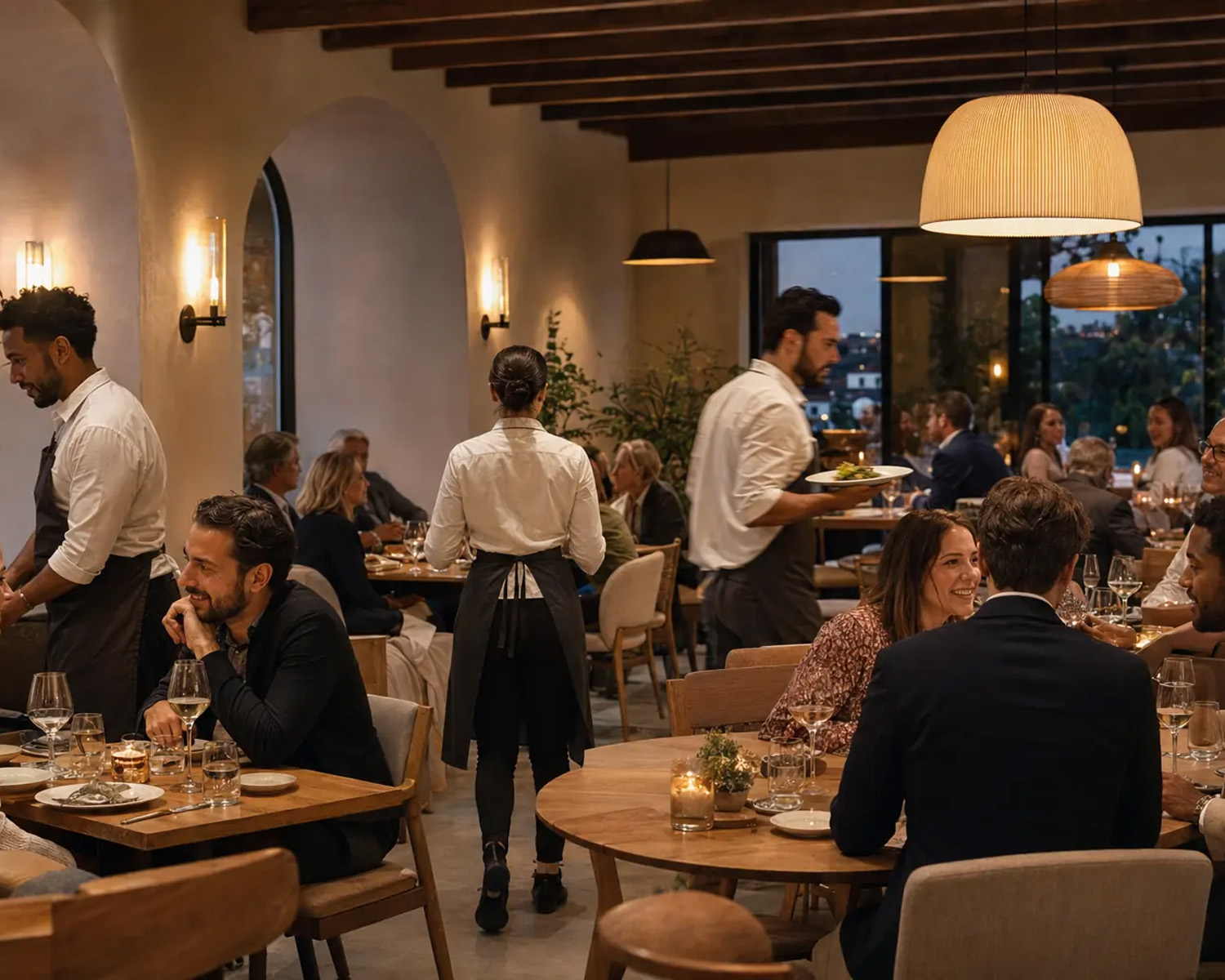
Give servers a clear view of every room.

Create dining areas, tables, seat counts, shapes, and visual floorplans that match the way your restaurant is laid out.

Keep service moving through every handoff.

Servers can manage their tables, move items between seats, merge checks, and hand open work to another employee when the shift changes.

Everything full service needs from open to close.

Keep the dining room, kitchen, bar, and back office working from the same information.

Floor layouts

Create rooms, tables, seats, shapes, walls, and visual layouts.

Open tables and tabs

Treat tables as tickets and keep other order types organized beside them.

Seat-level ordering

Attach items to seats and print seat numbers for the kitchen.

Move and merge

Move items between seats, merge tickets, or print separate checks.

Waitlist management

Organize customer waitlists and notify guests via SMS when a table is ready.

Detailed modifiers

Use NO, EXTRA, LITE, SIDE, LEFT, RIGHT, required, and nested choices.

Tips and gratuity

Collect tips, support gratuity prompts, and review tip reports.

Time management

Track clock-ins, shifts, cash tips, card tips, and open-order checks.

Server permissions

Control table access, ticket claims, voids, discounts, and reports.

Kitchen display system

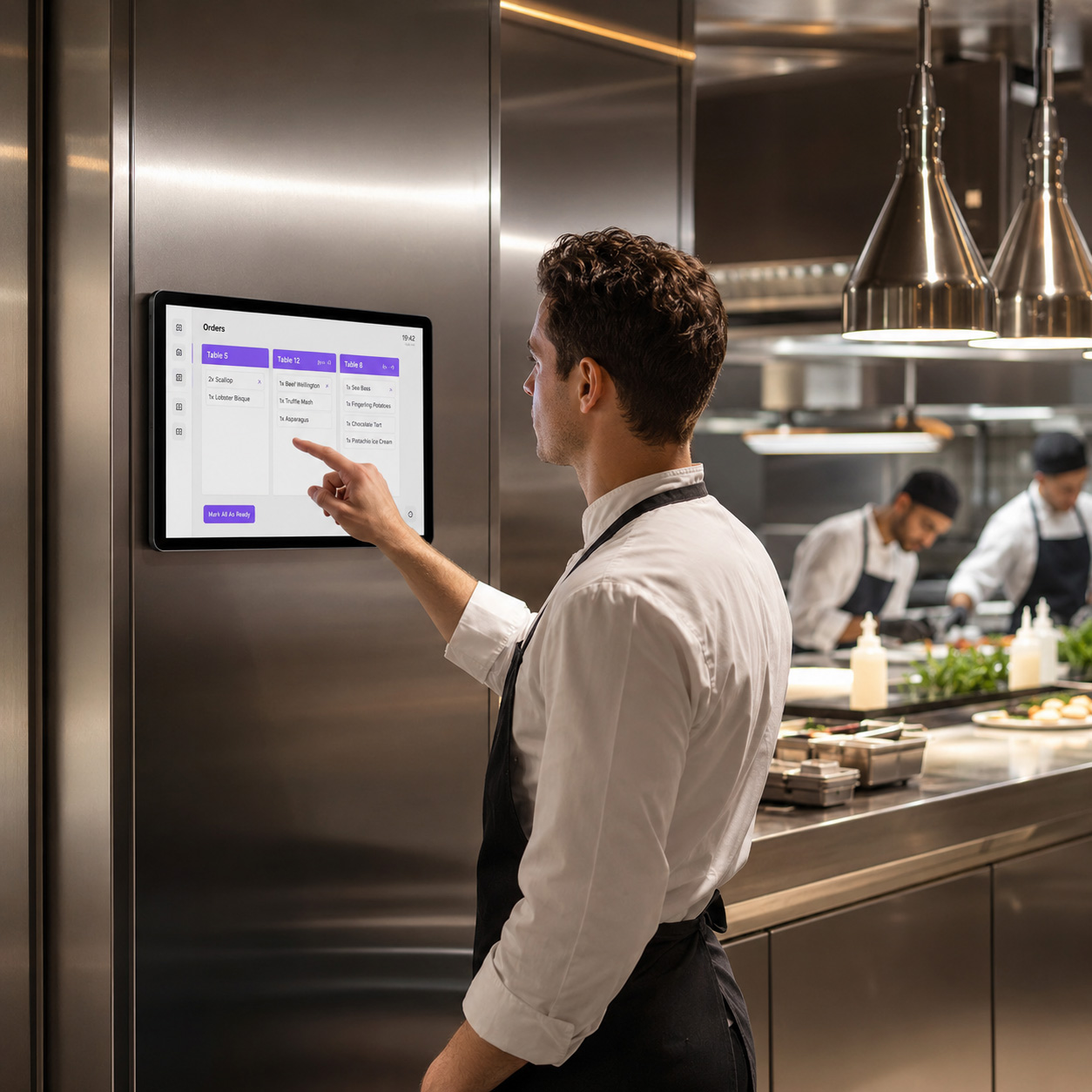
Help the kitchen track incoming work, modifiers, and order progress.

Bill splitting

Move items between seats, split bills for customers, and merge bills based on customer needs.

Compliant surcharging

Automatically add a fee to credit cards and will not add a fee to debit cards.

Pay-at-Table support

Collect payments right at the table, with cards never leaving the customer.

Tip payouts

Compensate your staff for their amazing customer service while keeping the till balanced.

Receipt builder

Customize your receipts to include specific data, personalized messages, and discount offers.

Kitchen Display System

Keep every seat clear in the kitchen.

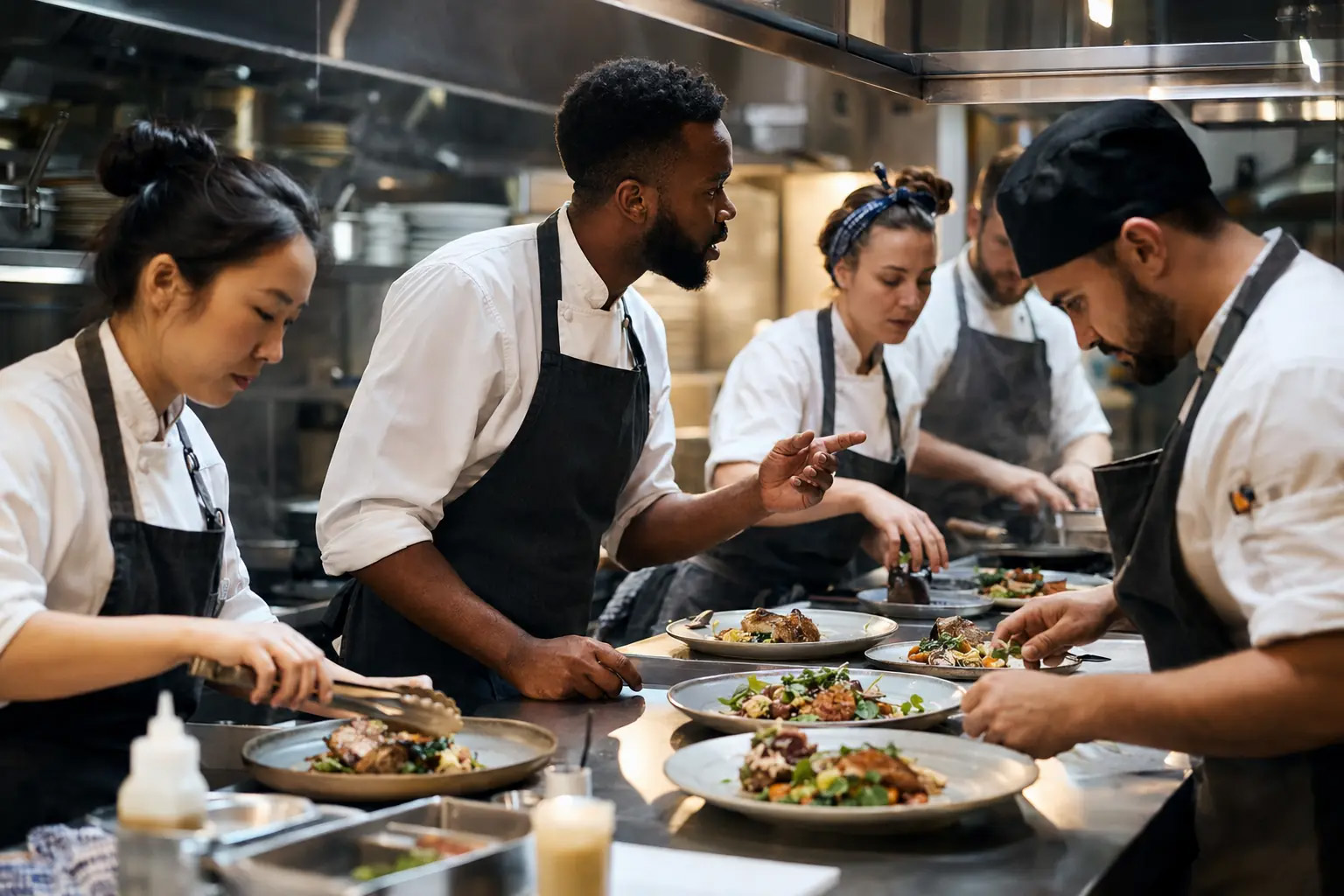
Send orders with the modifier and seat context the kitchen needs, then keep the queue visible through the rush.

Digital Menu

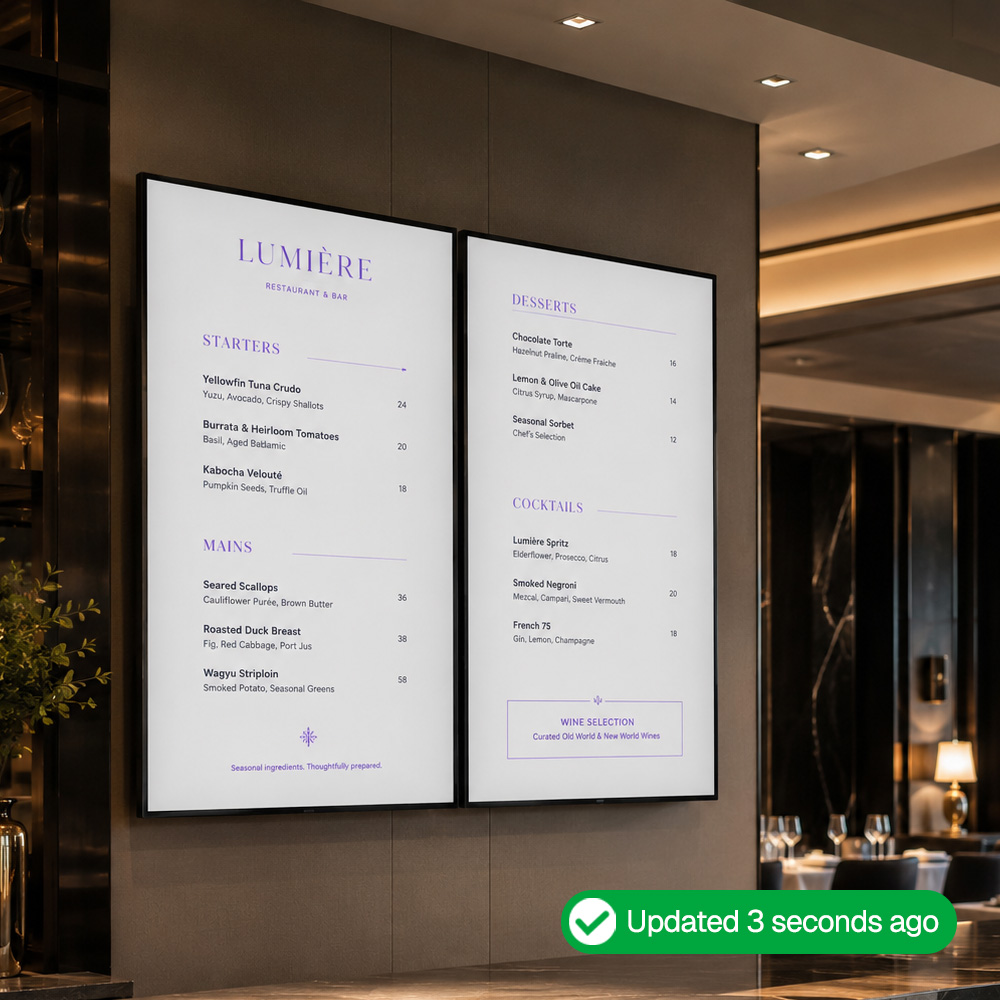
Change the menu without chasing files.

Transform your restaurant with our digital menus and say goodbye to midnight menu edits. When prices or items change in your POS, your digital menus adapts instantly.

FAQs

Everything you need to know about running your full service restaurant on Acadia POS.

Acadia POS has been proudly serving merchants since 2016.

Yes. Restaurant mode supports tables, seats, tabs, and floorplans, while flexible order types and fast product grids support counter-service workflows.

Acadia POS and our partners have never raised monthly software fees on existing customers. Many of our customers in retail and restaurants understand inflation and how real it is. Many of our first customers transitioned to our platform because their previous platforms increased rates on them.

We reserve the right to increase pricing in cases of hyperinflation, but we are also very much aware of the negative consequences raising prices has. We will never increase prices without providing additional value.

Yes, as long as it is compatible with our solutions. You can view & purchase hardware options via shop.acadiapos.com.

Yes, we have experience migrating customers from Clover, Square, Lightspeed, Revel, Talech and even legacy systems like PC America, Aloha, Micros, Restaurant Manager, Future POS and others. If there is a way to get the data out of your system we can help to get it into ours but we can also help you evaluate if it makes sense to start fresh. Many systems have bad data structures and many merchants use a new POS system as an opportunity to properly structure their database.

Acadia POS can support almost any processing platform, but the options that are available will depend on where you subscribed to your system. Many partners use the additional revenues they generate from credit card processing as a way to provide VIP support to their merchants. Third-party companies charge high markups on processing and they don’t provide any additional value. Smart merchants have figured out that they should be getting something in exchange for the fees that they pay. Negotiate directly with the party that’s providing you support.

Run your restaurant better with a POS built to keep up.

No credit card required